

Planning your first digital marketing campaign can feel daunting, whether you run a new business or digital marketing is new to your established firm. Many marketers promise “secret formulas” to 10x your business. Meanwhile, new tools appear every day to help you automate your marketing.
The truth is, there are no secrets to running a successful digital marketing campaign. In reality, finding a steady stream of customers takes effort and time. Before you spend money on ads, you first need the right setup to capture leads and collect data.
Of course, you should first assess your current digital presence and define your goal, audience and budget. After that, check these six essentials before you launch a digital marketing campaign on Facebook, Google, Snapchat, TikTok or LinkedIn:
- Website or landing page with clear Brand Message & CTA
- Your business must be listed & verified on Google
- Google Analytics Installation & Configuration
- Implementing conversion tracking
- Meta business manager setup, Page & Pixel installation on Website
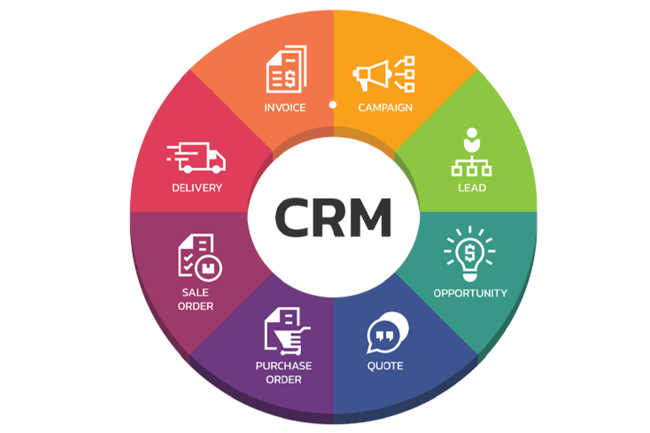
- CRM to gather Leads’ / customers’ Contact Information
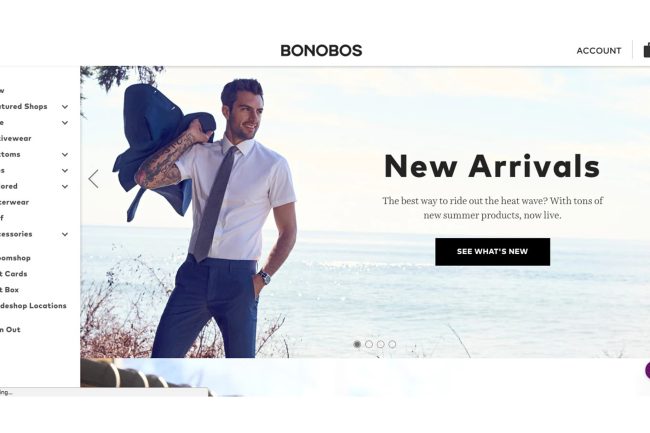
A Website or Landing Page With a Clear Message and CTA
Never confuse visitors when they land on your website or landing page, whether they come from ads or organic posts. Keep your message simple. Then refine it as you learn more about your audience.
Every paid, social or email campaign should at least point back to your website. After all, your website is your digital storefront. So, make sure visitors instantly understand what you sell and how to buy. A strong website also supports SEO and your wider digital marketing services, so customers start finding you.
Conversion Tracking for Every Digital Marketing Campaign
Conversion tracking shows which channels bring the most sales. Without it, you can’t tell whether a digital marketing campaign worked. For example, your Google Ads campaign may get lots of clicks and a high click-through rate (CTR). Yet you can only guess how many of those clicks became customers.
To measure conversions accurately, use Google Tag Manager to manage all the tracking tags on your website, including the Meta Pixel. You can often set up basic tracking yourself. However, a custom-built site or advanced tracking may need a developer’s help.

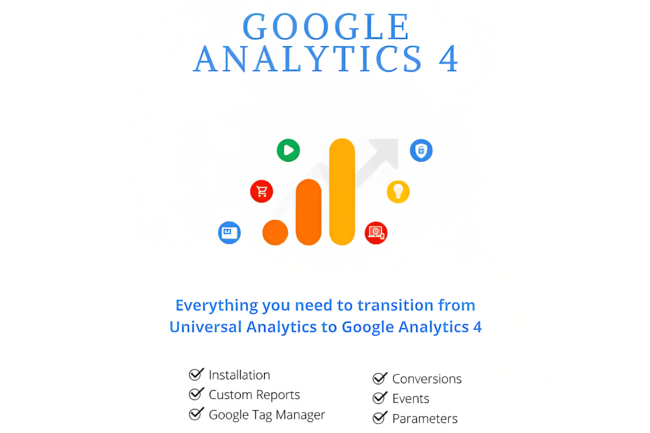
Google Analytics Installation and Setup
With Google Analytics on your website, you can run targeted ad campaigns, make data-driven choices and improve user experience. This is especially true when you connect it to your Google Ads account.
Visitor data also shows where most of your traffic comes from. As a result, you know which social platforms to focus on next. So, set up Google Analytics as soon as your website goes live, and you won’t miss any crucial data.
A Listed and Verified Google Business Profile
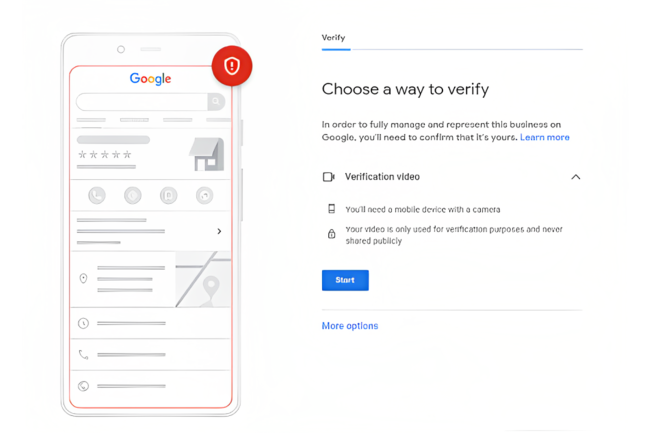
Google still leads the search market. Therefore, if your business isn’t verified on Google, you will lose sales. When you set up your Google Business Profile, complete every section. Add plenty of photos, your opening hours, a website link, your products or services and your contact details. Then start asking customers for Google reviews as soon as you can.
Meta Business Manager, Page and Pixel Setup
Set up your Meta Business and ad accounts even if you don’t plan to spend much on Facebook yet. This lets you place the Meta Pixel on your website to collect visitor data. Later, when you run Facebook and Instagram ads, this data will be very useful.
For example, you can retarget people who visited your website. You can also build lookalike audiences that share traits with your best customers. As a result, you waste less ad budget on the wrong people.
A CRM to Capture Leads From Your Digital Marketing Campaign
People who share their contact details have shown real interest in what you offer. So, don’t let them slip through the cracks. Even if they don’t buy right away, you can nurture them into future customers.
There are many free and paid CRM tools to store contacts and manage conversations with prospects. That said, if you only get a few leads each week, a spreadsheet may work just fine.
Ready to Launch Your Digital Marketing Campaign?
Fortunately, you no longer need to be a developer to set up most of the items above. The main exception is Google Tag Manager, depending on how your site was built.
Once you have a clear website, a Google Business Profile, Google Analytics, conversion tracking, Meta Business and a CRM in place, you’re ready to launch your digital marketing campaign. Already running campaigns without them? That’s not the end of the world. However, you’re probably missing data that could save you time and money. In the end, the goal is to measure the return on every dollar you spend.
Want a team to set all of this up for you? Contact Digify Digital and we’ll get your next campaign ready to launch.